by Matt Shanahan | Aug 30, 2024 | FAQ, VoiceStreamGuides
How to guide on adding and editing VoiceStream RingGroups Ring Groups are used to group a number of UADs/Phones into one network destination. Each RingGroup is assigned a network number which, once dialed, rings all extensions assigned to the group. Group Name Ring...
by Matt Shanahan | Aug 30, 2024 | FAQ, VoiceStreamGuides
How to add or edit an Extension to your VoiceStream Hosted Communications Platform In the VoiceStream Hosted Communications Platform navigate to extensions The procedure for adding a new system extension is divided into two steps. In the first step, theUAD/Phone type...
by Matt Shanahan | Aug 30, 2024 | FAQ, VoiceStreamGuides
Download the latest VoiceStream Communicator App Desktop Apps Windows Communicator version 7.2.0 Latest Stable Apple Mac iOS Communicator version 7.2.0 Latest Stable Linux Communicator version 7.2.0 Latest Stable MSI Communicator version 7.2.0 Latest Stable Mobile...
by Matt Shanahan | Mar 28, 2024 | FAQ, VoiceStreamGuides
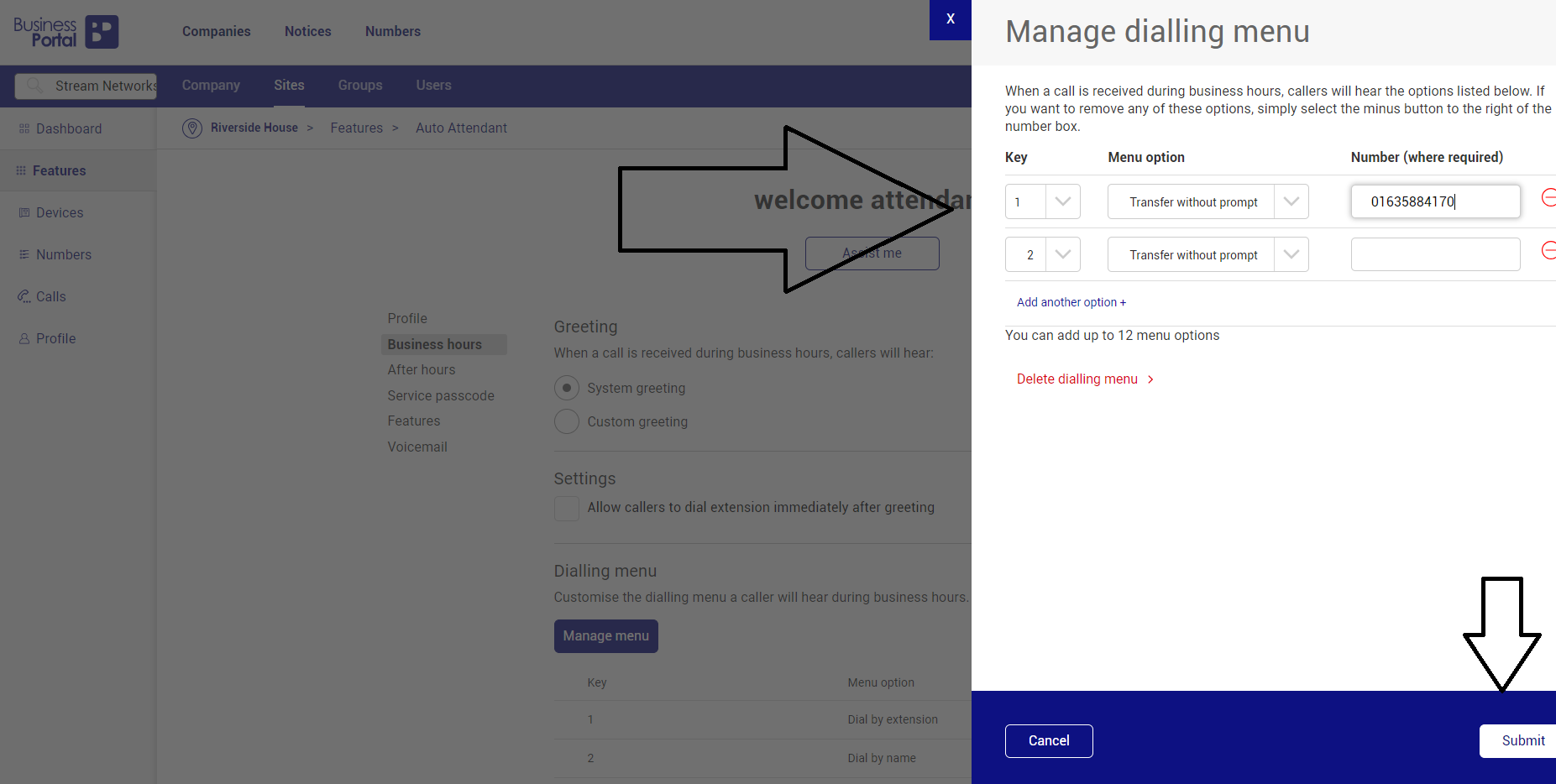
How do you create an auto-attendant on VoiceStream BT Cloud Voice? First of all log in to the business portal and navigate to sites Then click on the cog of the relevant site you want to amend In the next screen you need to scroll down to the hunt group and...

by Matt Shanahan | Mar 28, 2024 | FAQ, VoiceStreamGuides
How to change the ring tone of your VoiceStream BT Cloud VOIP Desk Phone based on caller ID You can change the ringtone of your IP handset through the VoiceStream Business Portal user configuration screen. There are some limitations as you can only add up to 12...
by Matt Shanahan | Jul 29, 2022 | FAQ, Stream Networks, Teams Direct Routing
How do you add an IP Phone or SIP Device to Microsoft Teams? To add a SIP device to Microsoft Teams simply login to the teams admin centre and then click on Teams Devices in the left hand navigation menu Next click on the Phones option and on the phone page in the top...